
Automate the boring parts of editing.Keep your time for the creative ones.
Glide takes over the repetitive work inside Premiere, so your hours go to your ideas, your clients and your business.
- One-time purchase
- Windows and Mac
- 7-day money-back guarantee
What Glide is
Glide is a plugin (an extension panel) for Adobe Premiere on Windows and Mac, tested on both. It adds camera and element motion presets, a keyframe timeline, an easing editor, beat detection, captions, Rough Cut, a Toolbox of one-click jobs and States to Premiere. Motion goes on as normal keyframes on your clips; captions go on their own track as Premiere templates.
What installing it adds to your computer: the Glide panel (inside Premiere's extensions folder), its caption fonts, and on Windows an uninstall entry in Settings › Apps. Nothing else: no background program, nothing that starts with your computer, no other software. Glide goes online to check your licence and, the first time you use them, to download the speech and translation files for captions. AI is optional: Glide works fully without it. If you connect your own ChatGPT or Claude for the AI options, those requests go from your computer to OpenAI or Anthropic, on your own account. Terms · Privacy
See what each tab does.Right here, nothing to install.
Small working versions of Glide's tabs, made from its own presets, caption looks and cut rules. Click around.
One panel.Eleven tools.
Camera moves, move chains, Auto-pilot for a whole edit, element motions, a keyframe timeline, easing, beats and captions. Motion is written as ordinary keyframes.
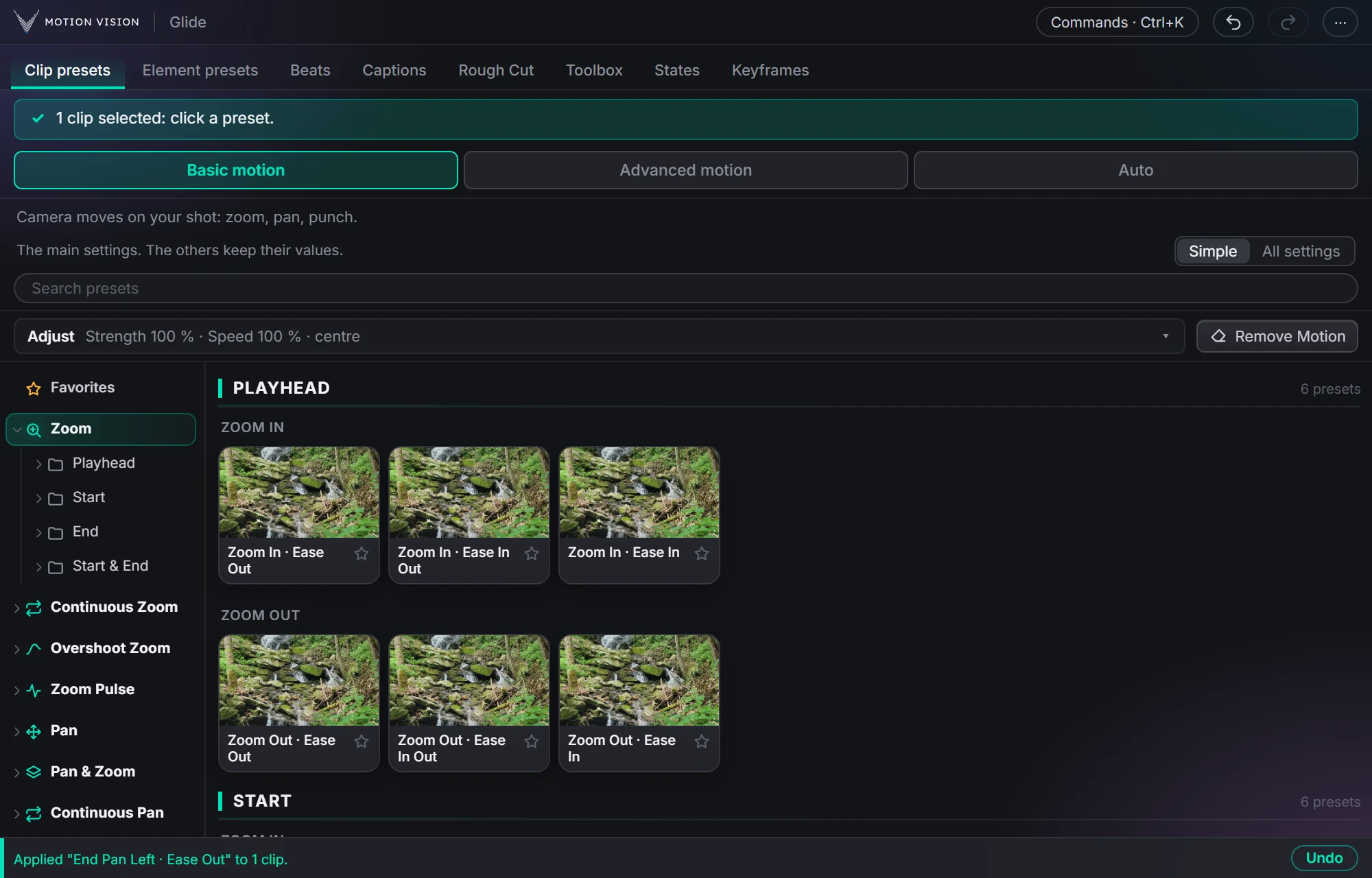 Camera movesClip presets321 zooms, pans, punches, drifts and fades, one click each.
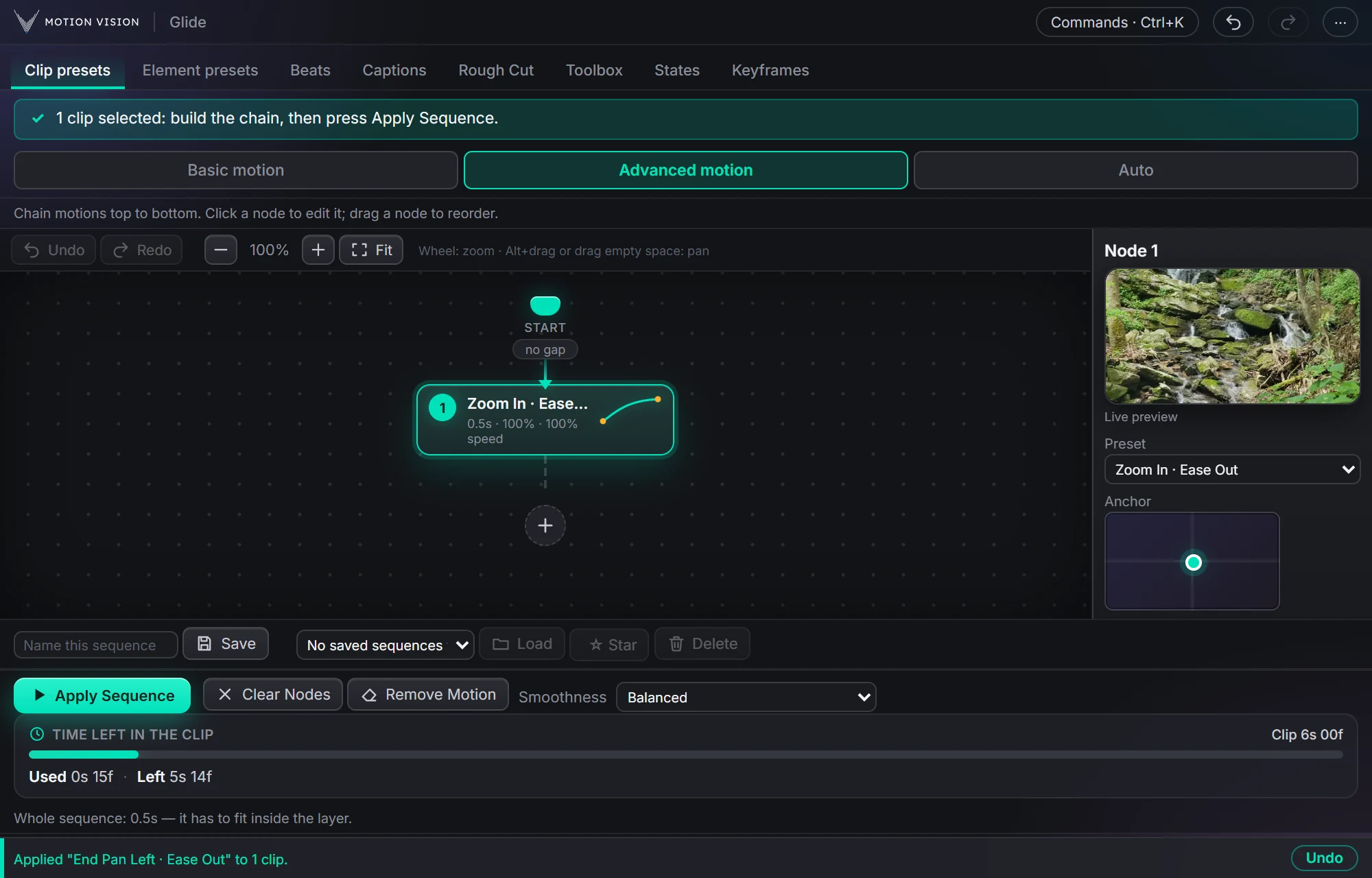 Chained movesAdvanced motionChain several moves on one clip and apply the whole sequence.
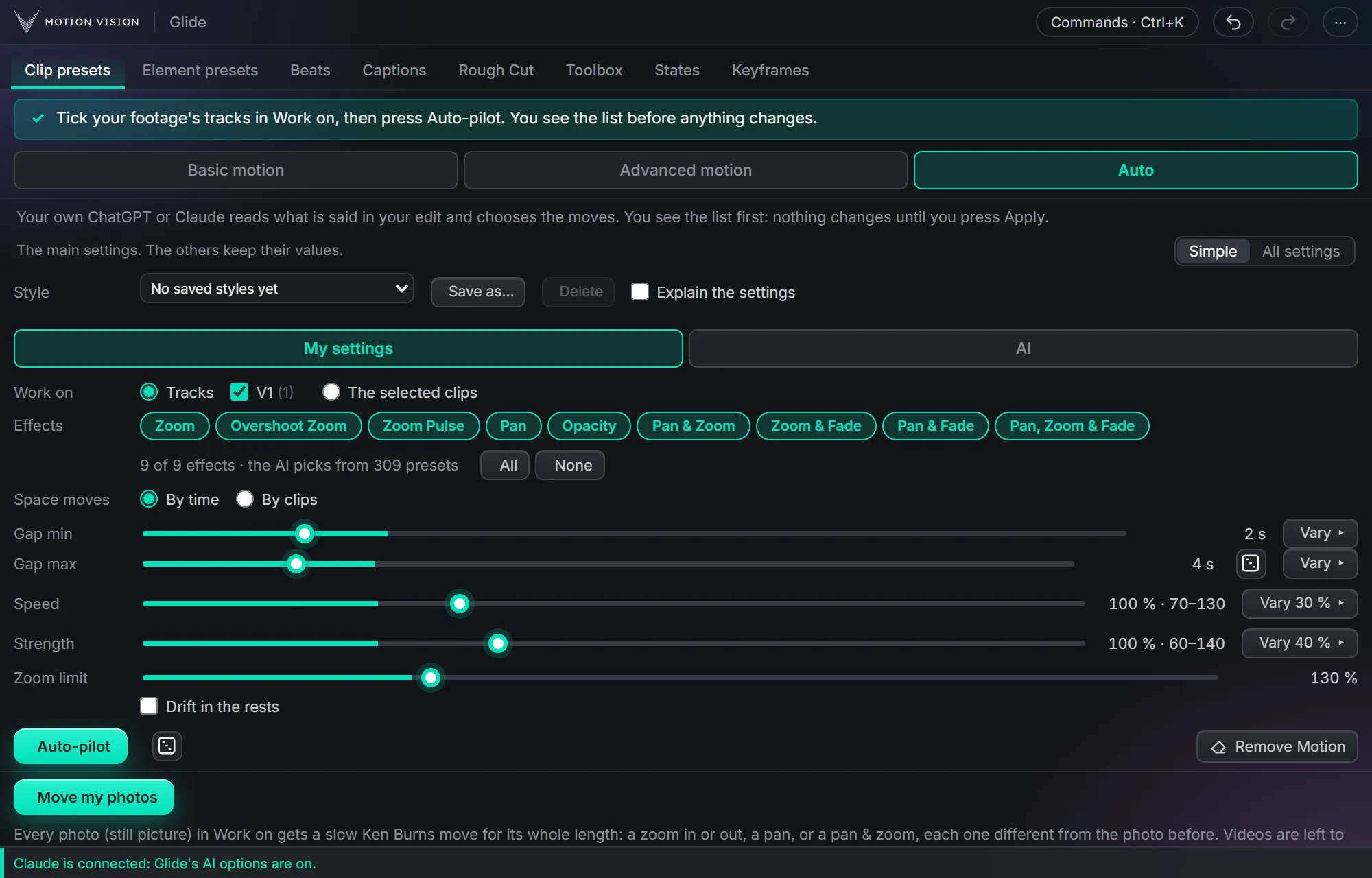 Whole editAuto-pilotMoves on a whole edit at once, with your own AI or without.
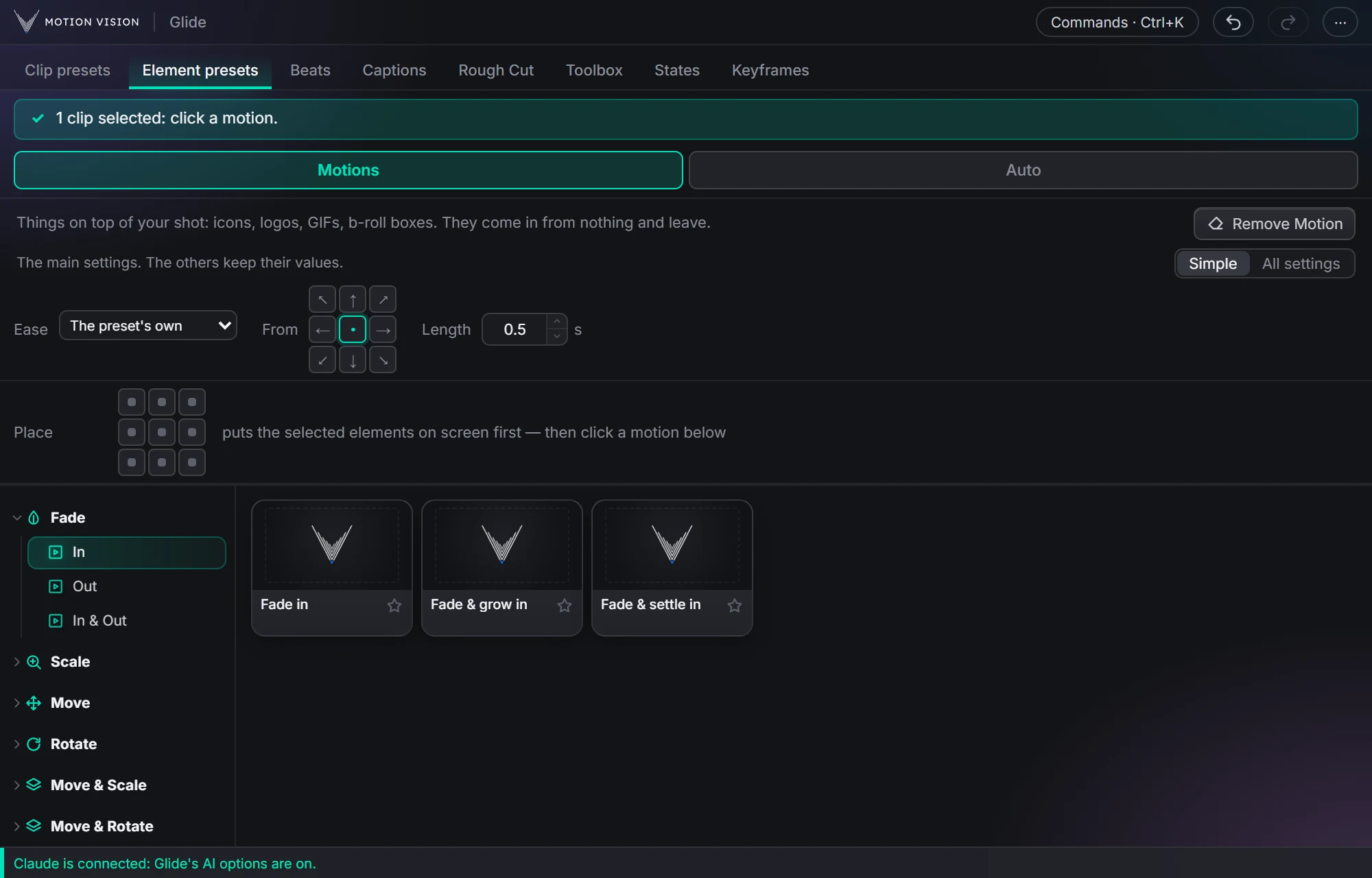 OverlaysElement presetsIcons, logos and b-roll that come in and leave.
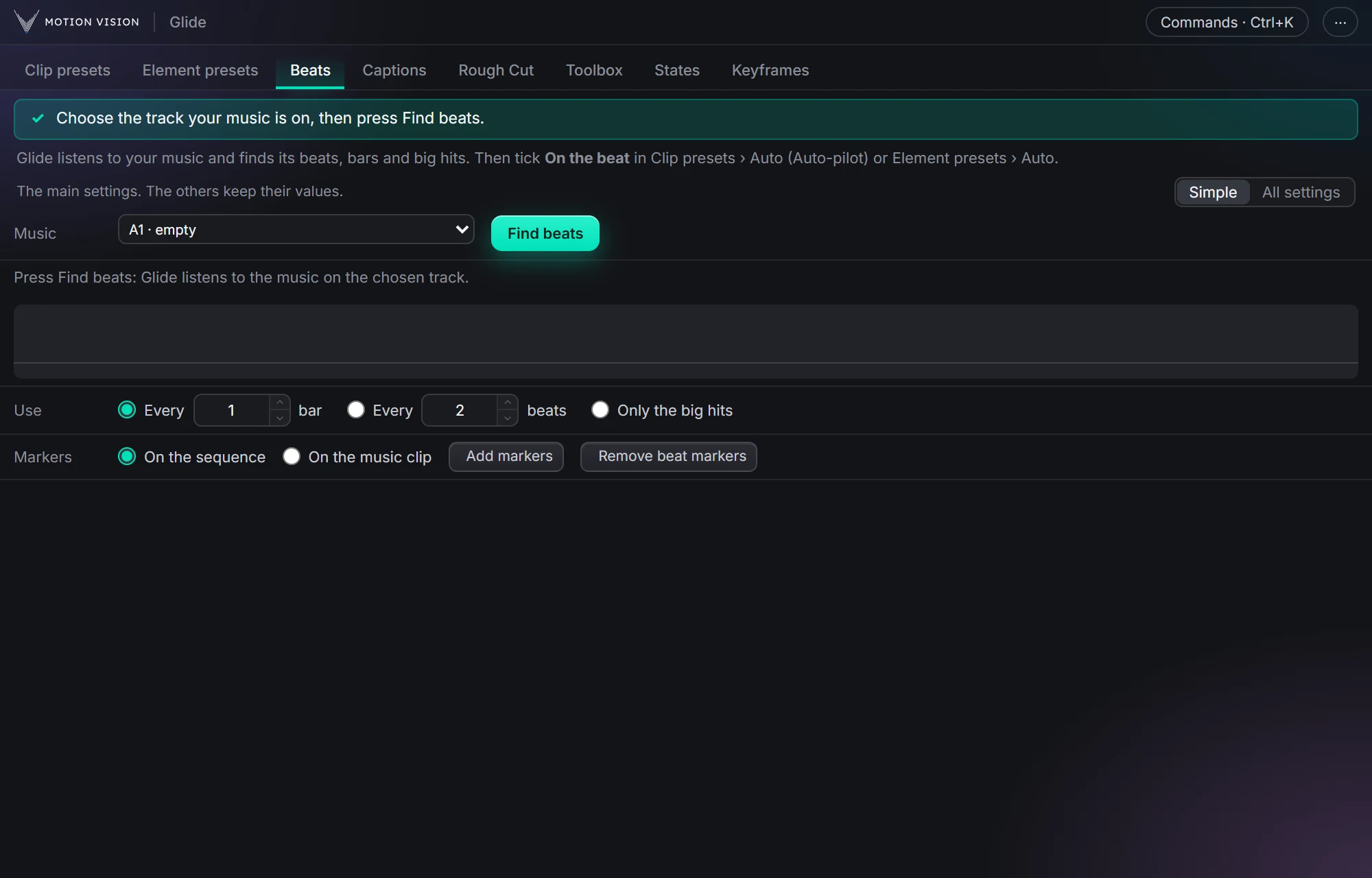
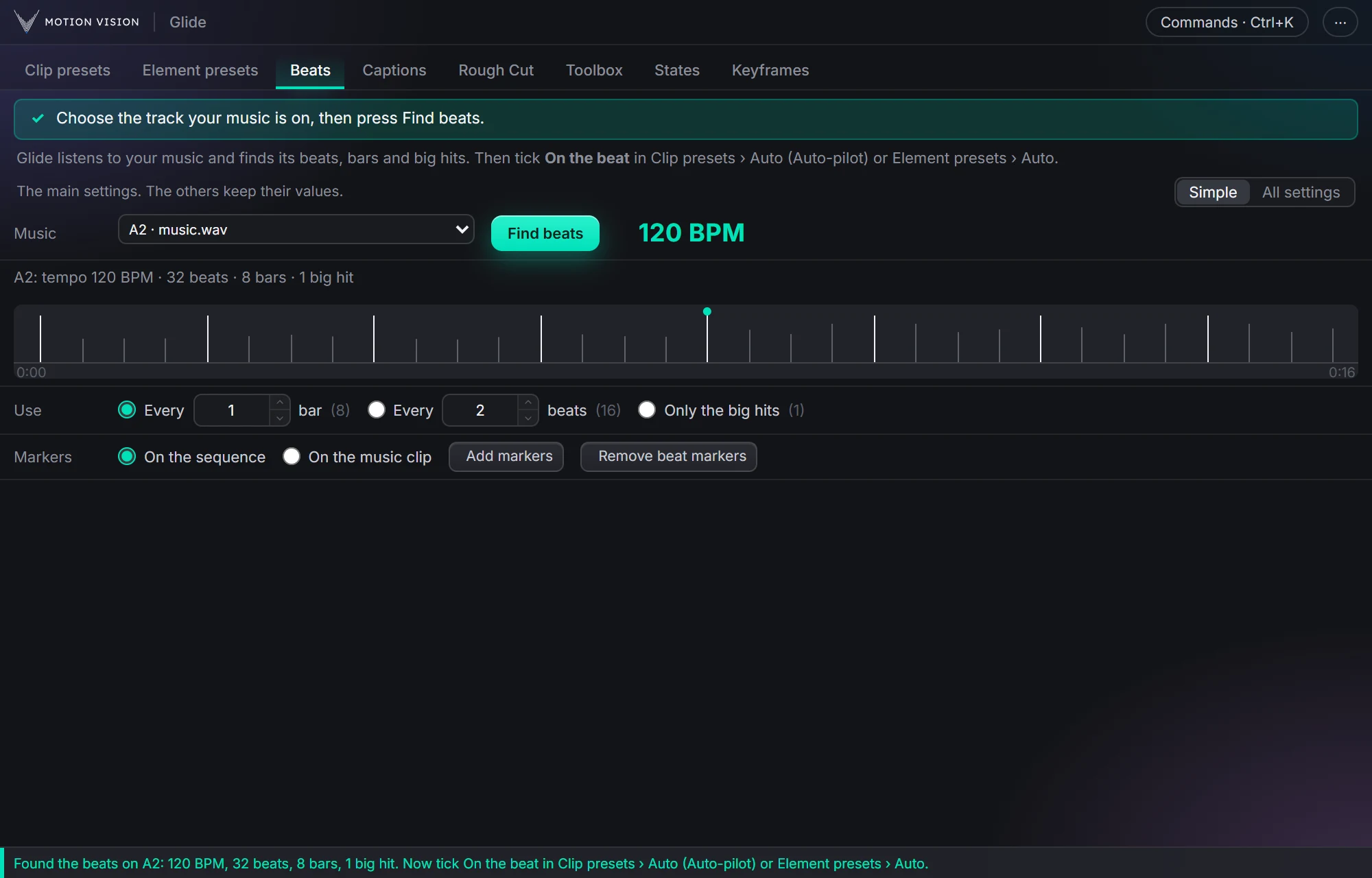 MusicBeatsReads the music and puts the motion on the beat.
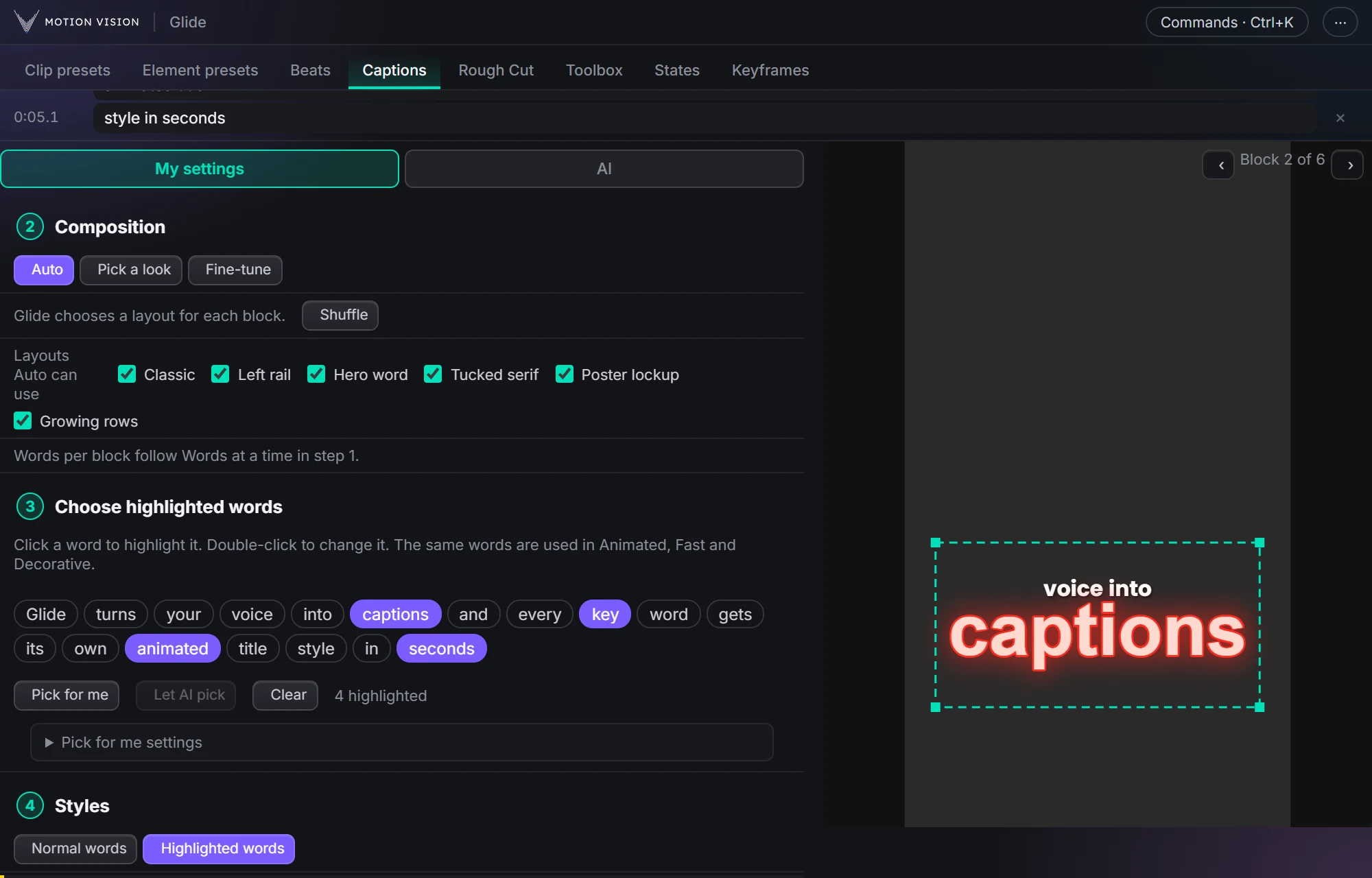 Speech to textCaptionsOffline transcription and translation; Decorative, Animated and Fast captions, 235 looks.
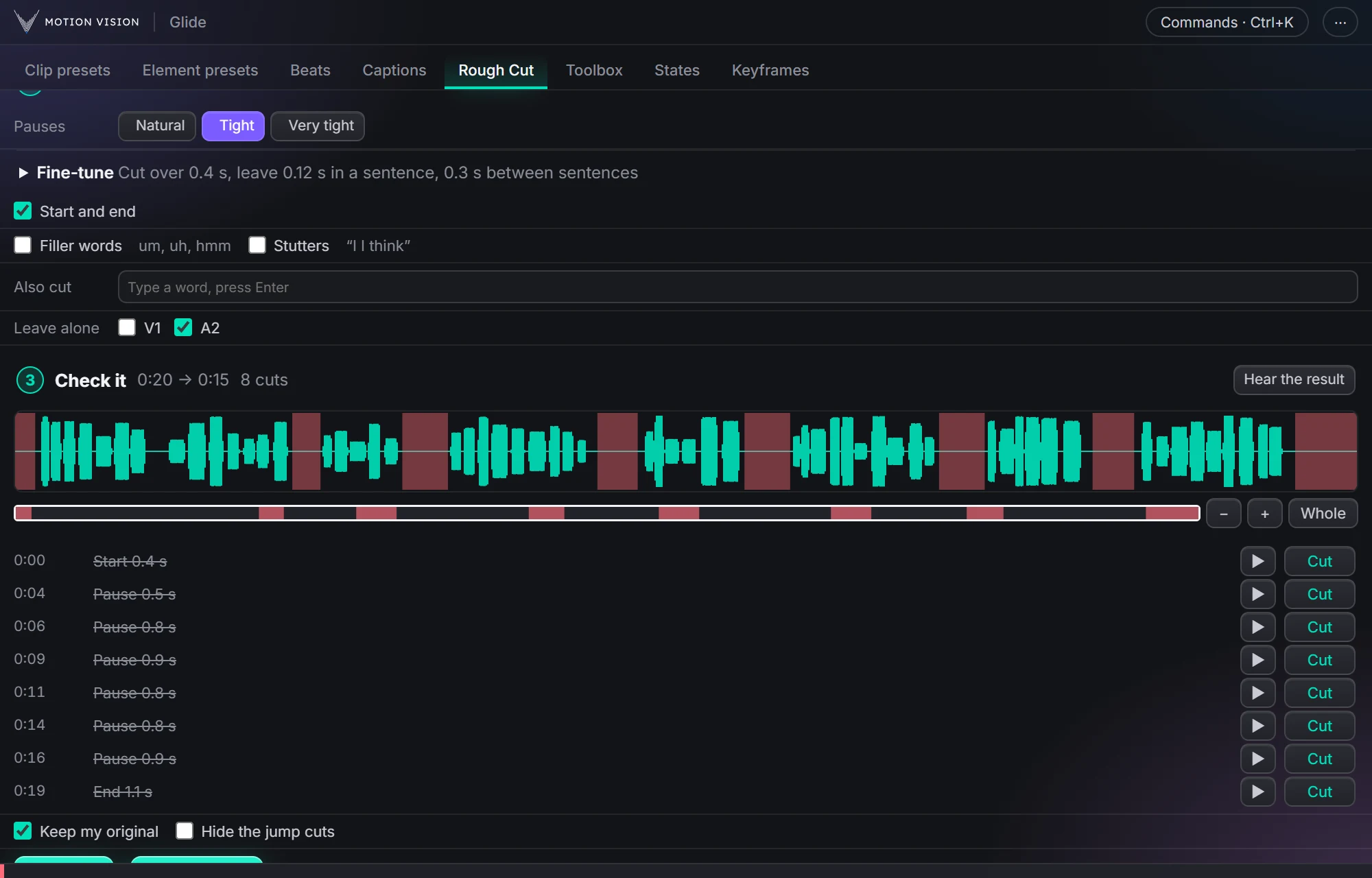 EditingRough CutCuts the pauses, ums and repeats out of a talking clip.
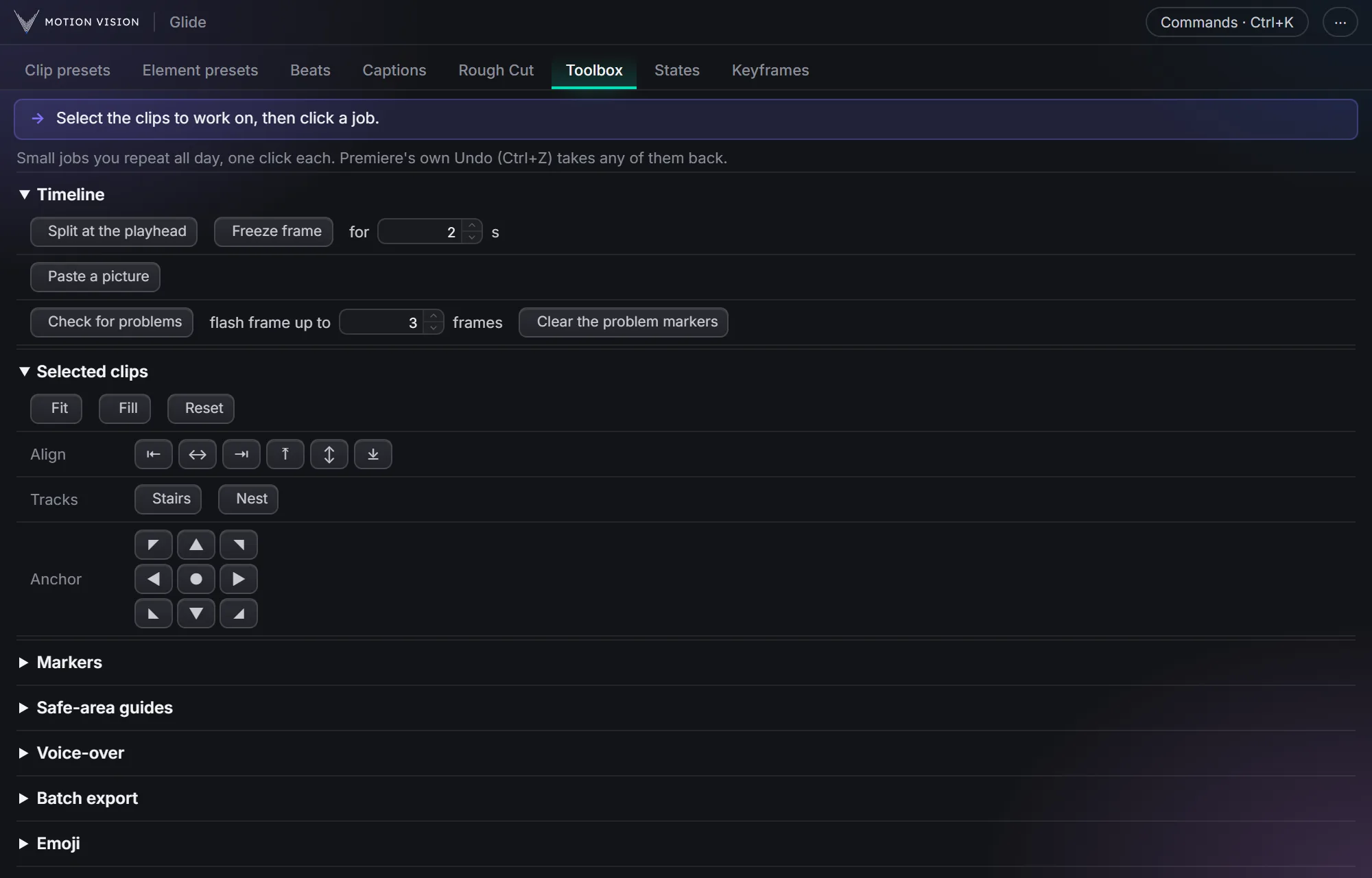 Everyday jobsToolboxThe small jobs you repeat all day, one click each.
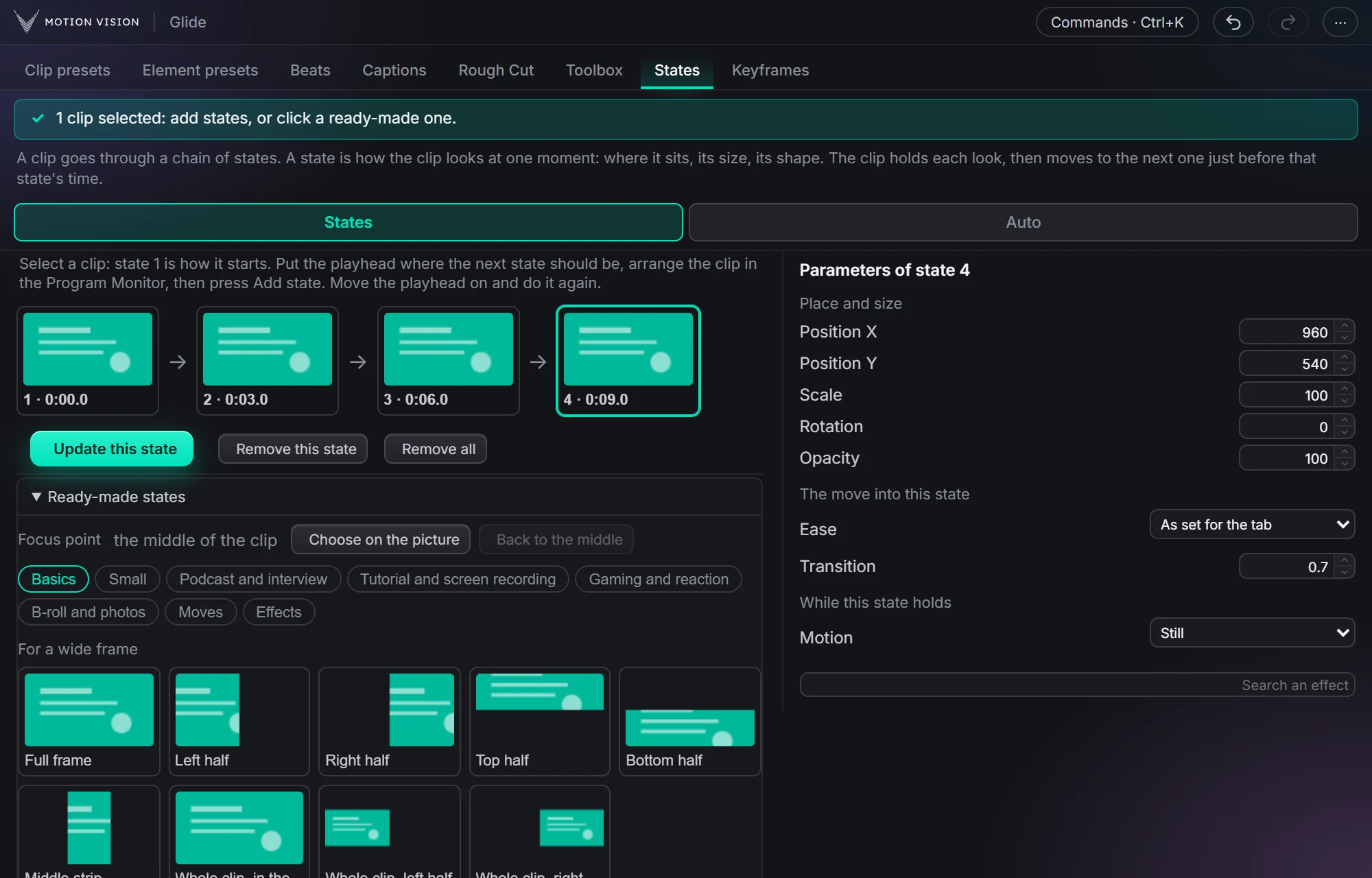 MotionStatesA clip moves from one look to the next, as you click them.
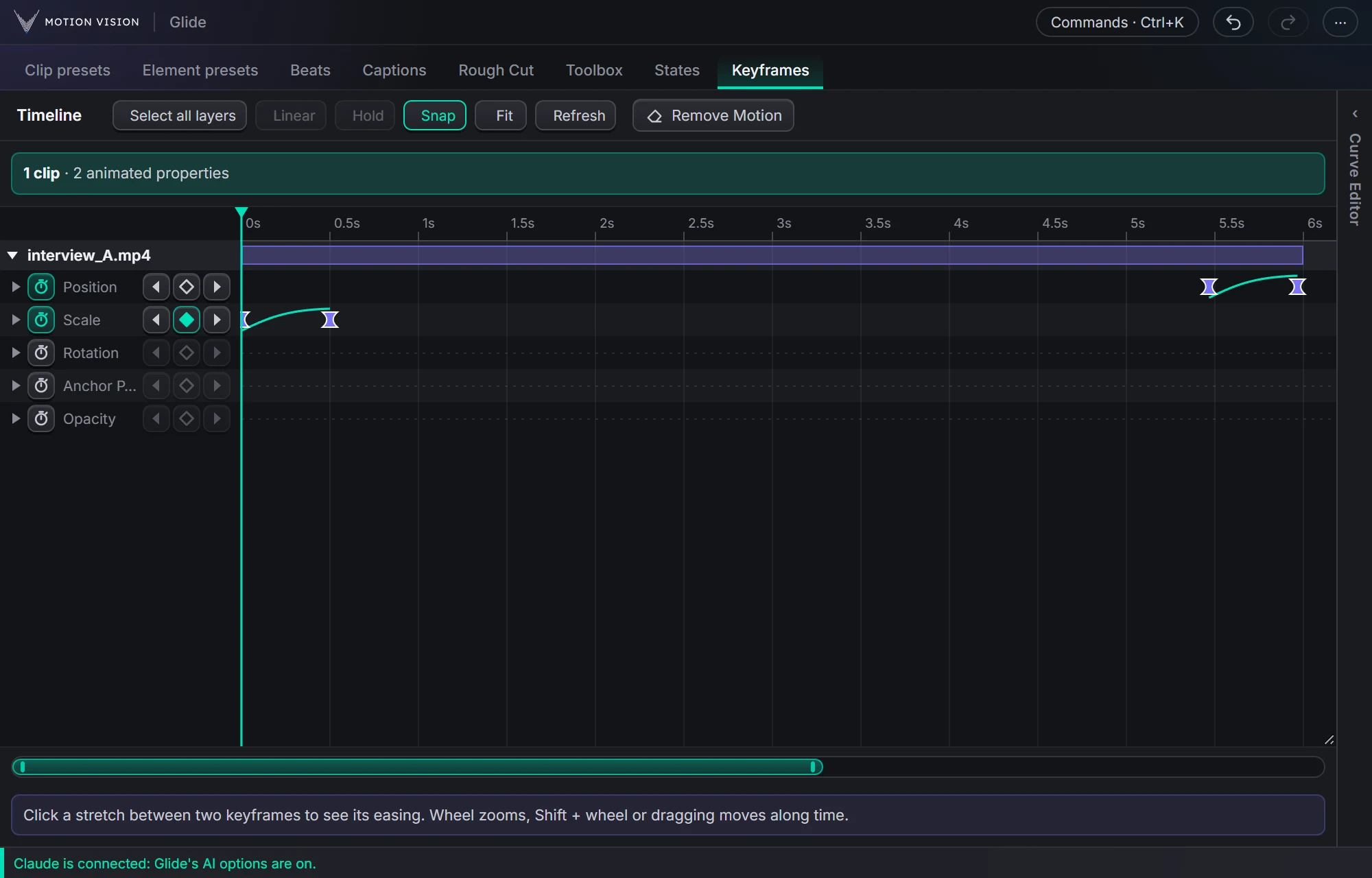 KeyframesTimelineEvery keyframe of the selected clips, in one view you can edit.
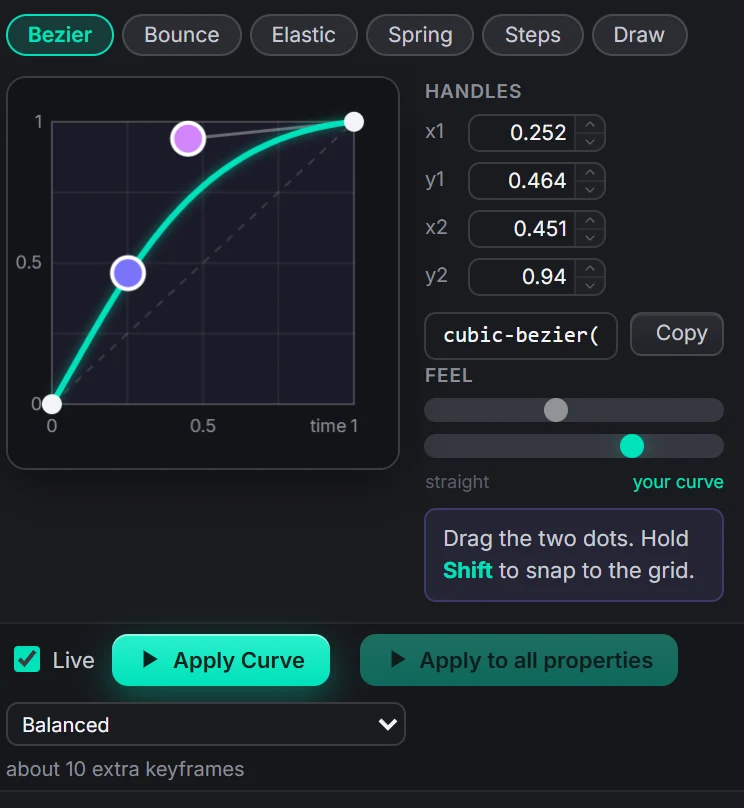 EasingCurve EditorBezier, bounce, elastic, spring, steps, or draw your own.
Select. Click. Done.
Your first move is on the timeline in under a minute. Nothing to learn, nothing to set up.
Select a clip
Click any video clip on your timeline. Glide works on the clip's own Motion and Opacity, so nothing extra is added to your project.
Click a preset
Hover a card to preview it on your footage, click to apply. Zoom-outs and pans are scaled automatically, so no black edges appear.
Fine-tune, or don't
Adjust strength, speed and anchor, chain moves in Advanced motion, or reshape the easing. Remove Motion puts the clip back exactly as it was.
Pay once. Keep it.
One payment, no subscription, no account to make. One licence code for two of your computers, and you can move it. Not for you? Ask within 7 days for a full refund.
- All eleven tools: Clip presets (Basic motion, Advanced motion, Auto-pilot), Element presets, Captions (Decorative, Animated and Fast), Rough Cut, Beats, Toolbox, States, and the keyframe Timeline and Curve Editor
- 321 camera presets and 235 caption looks, plus every one added to this version
- Windows and Mac, tested on both
- One licence code, two computers, Windows or Mac (move it any time)
- No AI subscription needed: AI is optional, for if you already have ChatGPT or Claude
- Email support, answered within 3 business days
- 7-day money-back guarantee: a full refund for any reason
Secure checkout. Your licence code and the download arrive by email within a few minutes.
Payment is processed by Creem, our reseller and merchant of record. Refund policy
What you need.
Premiere 2022 or newer
Version 22.0 and up, on Windows 10 or 11, or on a Mac with macOS 11 or newer. Tested on both.
Internet for the licence
Needed to activate your licence code, then to re-check it now and then. Glide keeps working offline for up to 14 days between checks.
Captions
The speech model (about 550 MB) downloads once, on first use, and each translation language (about 20 to 70 MB) the first time you pick it. An NVIDIA graphics card makes transcription much faster, after a one-time download of about 640 MB; it works on the CPU too. Translating needs a Premiere newer than 2022.
Quick answers.
Are the results real keyframes?
Yes. Glide writes ordinary Premiere keyframes on the clip's built-in Motion and Opacity, so you can see and edit them in Effect Controls. Tick On an adjustment layer and the move goes on a layer above the clip instead, on Premiere's own Transform effect. Captions are Premiere templates on a track of their own, editable like any other.
Do captions need the internet or an account?
No account, and nothing is uploaded. Transcription and translation run on your computer. The speech program and model download once, on first use, and each translation language the first time you pick it.
Do I need ChatGPT or Claude?
No. AI is optional: every tab and every setting works without it, and you don't need any AI subscription. If you already have ChatGPT or Claude, Glide can use it in Clip presets › Auto, Element presets › Auto, Rough Cut and Captions to fill in settings or pick the moves for you, on your own plan or with your own API key. Glide pays nothing and never sees your sign-in.
Which versions of Premiere are supported?
Premiere 2022 (22.0) or newer, on Windows 10 and 11 or on a Mac with macOS 11 or newer. Glide is tested on both: Windows 11, and macOS 15 on Apple silicon.
Does it work on vertical or square videos?
Yes. Landscape, vertical (9:16), square and 4:5 sequences, and clips of a different size or shape than the sequence. Glide adjusts the scale so no black edges show.
How does the licence work?
You pay once and get one licence code. It activates Glide on up to two of your computers. The panel checks the code online about once a day; if you are offline it keeps working for 14 days after the last check. To move to a new computer, deactivate it on the old one first (the panel's ⋯ menu › Deactivate this PC).
Can I undo what Glide did?
Yes. Undo and Redo in the panel for the motion Glide wrote, a one-go Undo in the status line for adjustment layers and As one clip, and Remove Motion restores the clip's original scale, position and anchor.
What if Glide is not for me?
Ask within 7 days of your purchase and you get a full refund, for any reason. Email support@motionvisionfx.com with your order number, or use the link in your Creem receipt. Details are in the refund policy.
Glide does the busywork.You do the creative work.
The slow, repetitive jobs in Premiere, done for you in a click. You finish sooner and spend your time where it counts.